Shopping Cart
There are no more items in your cart
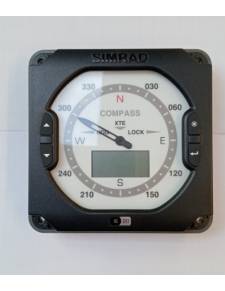
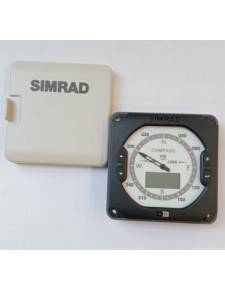


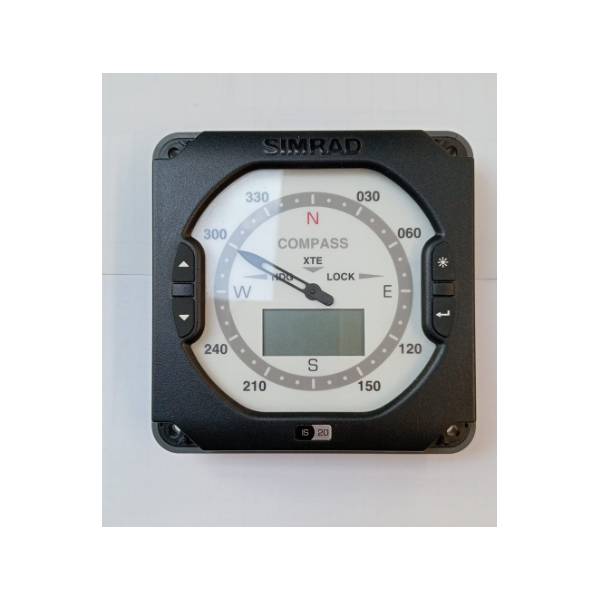
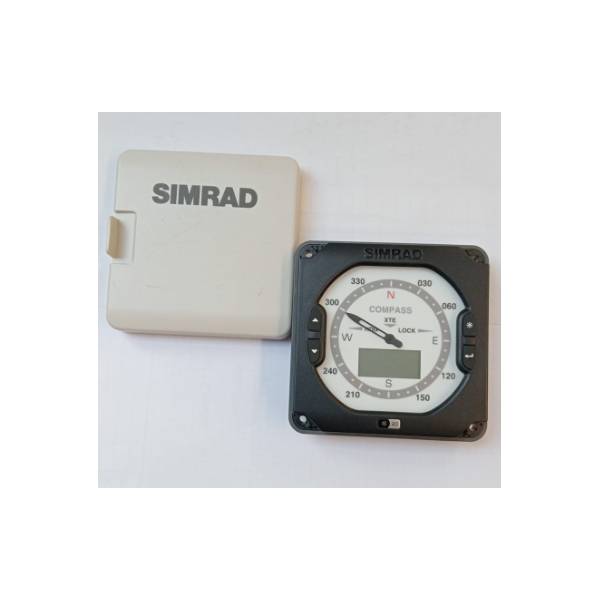
Great analog screen The large screen displays complete 360° direction data. Ø High-contrast LCD window See the course with a rapid update speed in the bright display window 4 control buttons Use the buttons to change the level of lighting and configure the LCD display. Ø Selection of magnetic/true course Select Magnetic or True Rum with the Top, Down and Intro keys. Ø Smart marine network Simnet IS20 communicates through the SimNet data bus. Simply connect screens and sensors, in any order, using the thin SimNet cables. SimNet makes data sharing and system control easier and more flexible. Ø Entrance NMEA 0183® The NMEA 0183 entry allows you to use the compass IS20 as a repeat screen for other instrument systems. Ø Backlight Options Select red or white backlight and easily adjust the intensity. Network lighting control is also available. Ø Roadblock Set a set course and then show the deviation to portside or starboard that course. Ø Adjustable damping The damping can be adjusted to determine how fast the screen will respond to the course changes. Ø Cross path error display The LCD screen can be configured to display a cross path error when connected to a GPS. Ø Connectivity in chain Simple connection method for multiple instrument systems and